
 doc2.0
Project Details
Parameter Name |
Description |
Necessity
for creation
|
|---|---|---|
Status |
Shows whether Project is enabled or disabled. Can be changed later. |
Required |
Manager |
Shows to which exact manager this project is linked. CANNOT be changed later. |
Required |
Manager rate plan |
Allows to set manager rate plan. Can be changed later. |
Required |
Description |
Shows Project description. Can be changed later. |
Optional |
Reseller rate plan |
Allows to set reseller rate plan if reseller is selected. Can be changed later. |
Optional |
Payment form template |
Allows to add payment form which will be displayed after initiating the transaction. |
Optional |
Wait form template |
Allows to add wait form which will be displayed until transaction reaches the final status. |
Optional |
Finish form template |
Allows to add finish form which will be displayed after transaction reaches the final status. |
Optional |
Tags |
Shows the tag of the Project. While searching Projects by tag, all Project with the same tag will be shown. Can be changed later. |
Optional |
Loyalty service |
Shows which external loyalty service is selected. Can be changed later. |
Optional |
Min transaction amount |
Possible to set any minimal amount which be passed through the project. Can be changed later. |
Optional |
Max transaction amount |
Possible to set any maximum amount which be passed through the project. Can be changed later. |
Optional |
Enable auto capture |
Enables automatic capture. |
Optional |
Auto capture period (hours) |
Sets the time in hours, after which preauthorized amount will be automatically captured. |
Optional |
Message server |
Allows to select message server. |
Optional |
Returning customer approve sessions count |
Shows after how many transactions with final status approved, customer will be considered as returning for the project. |
Optional |
Client definition |
Shows by which criteria customer will be counted as new or returning for the project. |
Optional |
Hold Pre-auth until capture settings
This section allows you to configure limits for preauth transactions before capture stage. Once the set limits are reached, subsequent preauth transactions are automatically held in processing status.
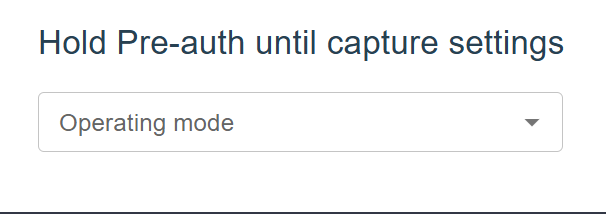
Operating mode
The Operating mode defines the scope of the limits. You can choose between PROJECT and MERCHANT.
PROJECT - Limits are calculated across the entire project.
MERCHANT - Limits are applied individually per merchant.
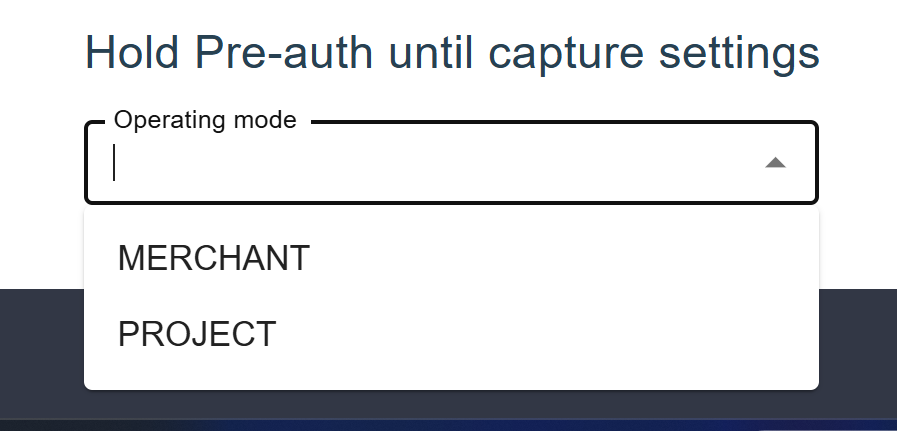
Preauth live time, quantity limit, amount
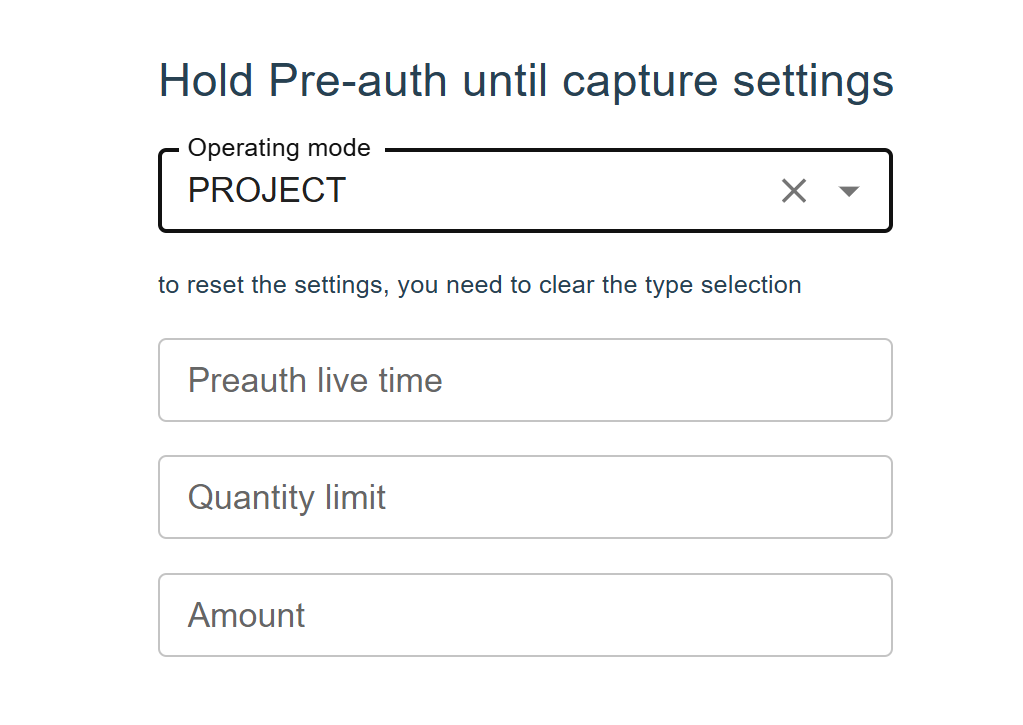
Note
All the transaction that surpassed limit will receive status after limit duration passes.